Connect Club Planner to Claude or ChatGPT and ask in plain language how many active members you have, who has not visited in three weeks, how full last Tuesday's classes were or what August's revenue was. The answers come live from your own Club Planner — and every employee only sees what they may see in Club Planner.
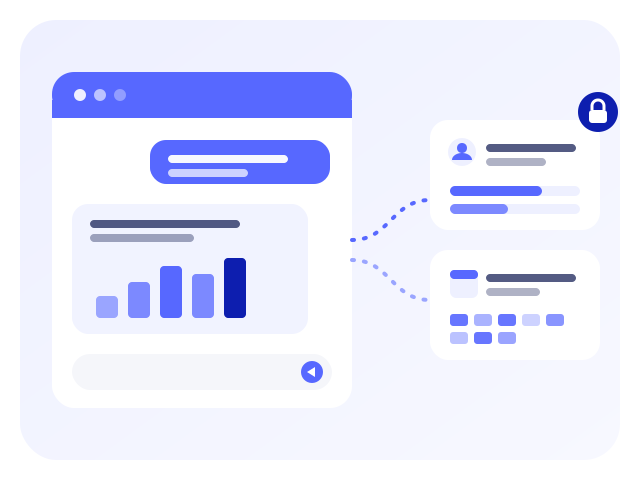
The AI looks the figures up in Club Planner at the moment you ask. Nothing is copied or exported.

Find members by name, e-mail, phone or card number, open a member profile with memberships and visits, count members per status, and list the membership types you sell.

Who came in when, how many different members visited in a period, and who has not been back for a while.

Your calendars and rooms, the classes in a period with instructor and free places, who booked a class and who is on the waiting list.

Revenue for a period excluding and including VAT, compared with the previous period, per revenue group, VAT rate and payment method — the same figures as your revenue report.

Invoices, credit notes and quotes in a period, with the open amounts.

Your leads with their status in the follow-up, their source and remarks.

The staff schedule: who works when.

How your membership develops: total and active members, joiners and leavers per week or per month.
An administrator opens Settings › Platform › AI connections in Club Planner and switches on “Allow AI connections”.
The same screen shows the address of your platform for Claude and ChatGPT, with a copy button.
In Claude: Settings › Connectors › Add custom connector. In ChatGPT: Settings › Connectors. Paste the address.
The app opens the Club Planner login. Sign in as usual — two-step verification included — and allow the connection. Done.
The AI app processes your questions and the data it receives under your own account with its provider (Anthropic for Claude, OpenAI for ChatGPT).
Questions or problems with the connection? support@clubplanner.be


